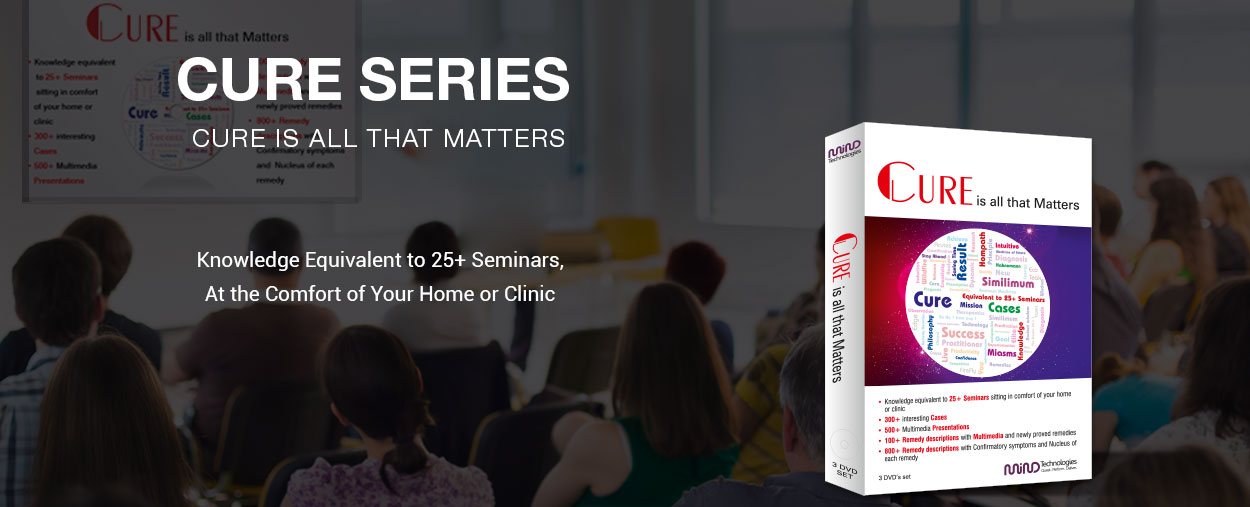
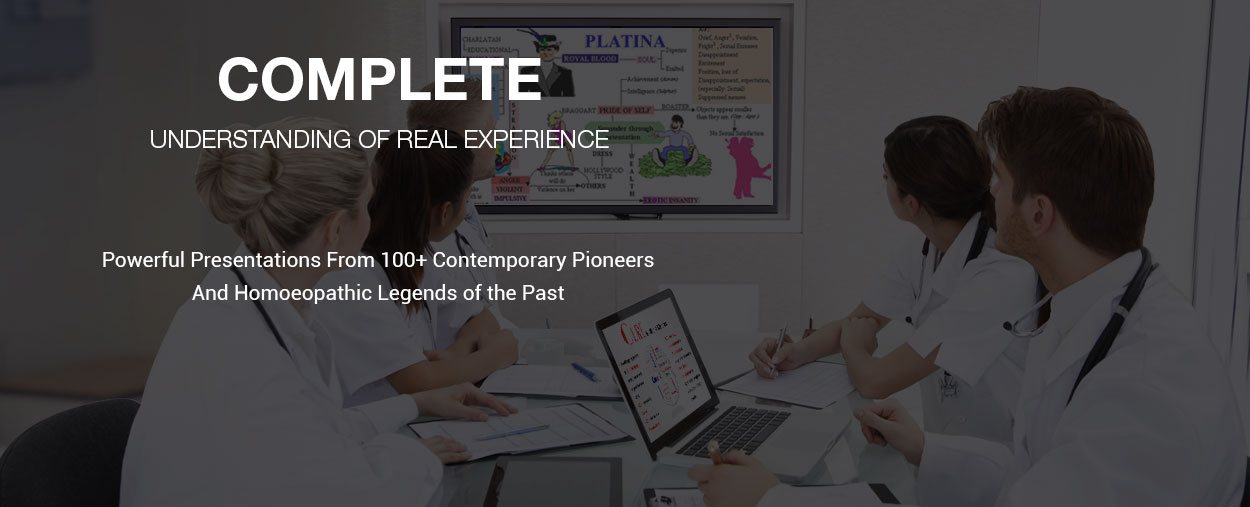

CURE SERIES:Excellent Educational Material, Equivalent to 25+ Seminars
Cure Series is a software tool and an excellent educational DVDs set of learning material. It is a virtual goldmine for all dedicated homeopaths around the world. A crucial tool for all homeopathic students, practitioners and researchers. Virtual educative technology helps you learn and treat more patients without taking on more overhead.
CURE SERIES is a Collection of 14 Set of Homeopathic Materials
- CURE 1: Cases Cured by Contemporary Homoeopathic
- CURE 5: Study of Repertory & understanding of mental rubrics, Clinical and practical aspects of ROH
- CURE 7: Understanding homoeopathic remedies in light of Body Language. Numerous cases with follow-ups.
- CURE 9: Concept of Man - Psychological aspect & its practical application. History of Medicine & its evolution
- Homoeopathic Pharmacy: 40 Chapters of detailed knowledge of homoeopathic pharmacy
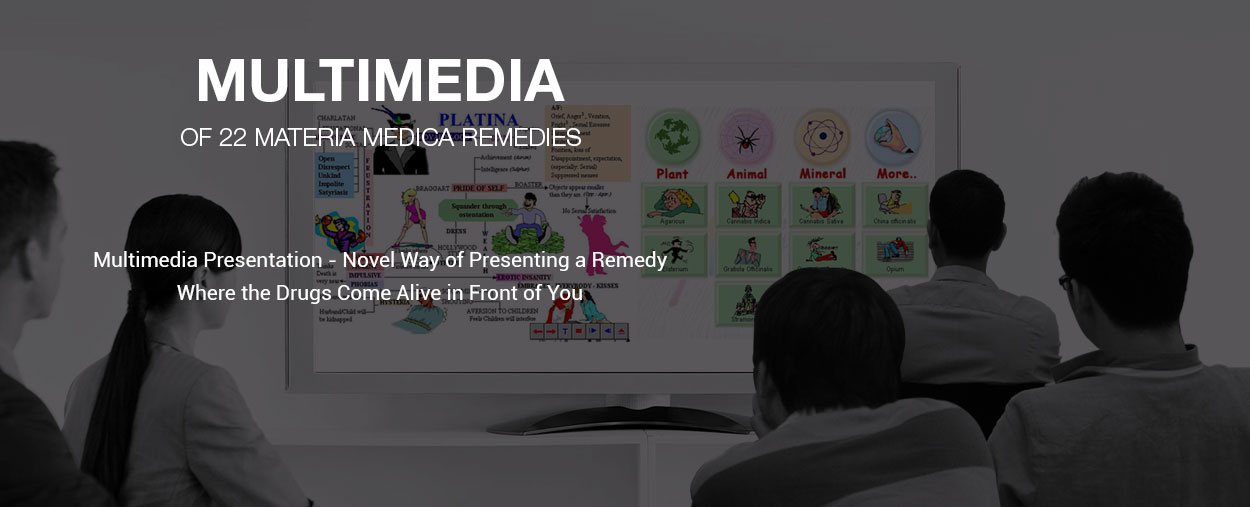
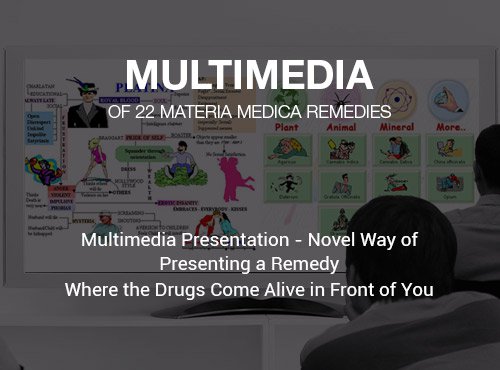
- Materia Medica Live: World's 1st multi-media presentation in 22 Materia Medica Remedies
- CURE 2: Contributions from Homoeopathic legends of the past & contemporary pioneers.
- CURE 4: Detailed study of 13 Spider Group Remedies, Materia Medica and Repertory.
- CURE 6: Study of 19 Snake & 3 Scorpion remedies, common, rare & newly proved ones
- CURE 8: Children & Homoeopathy will assist you in understanding and treating your pediatric cases
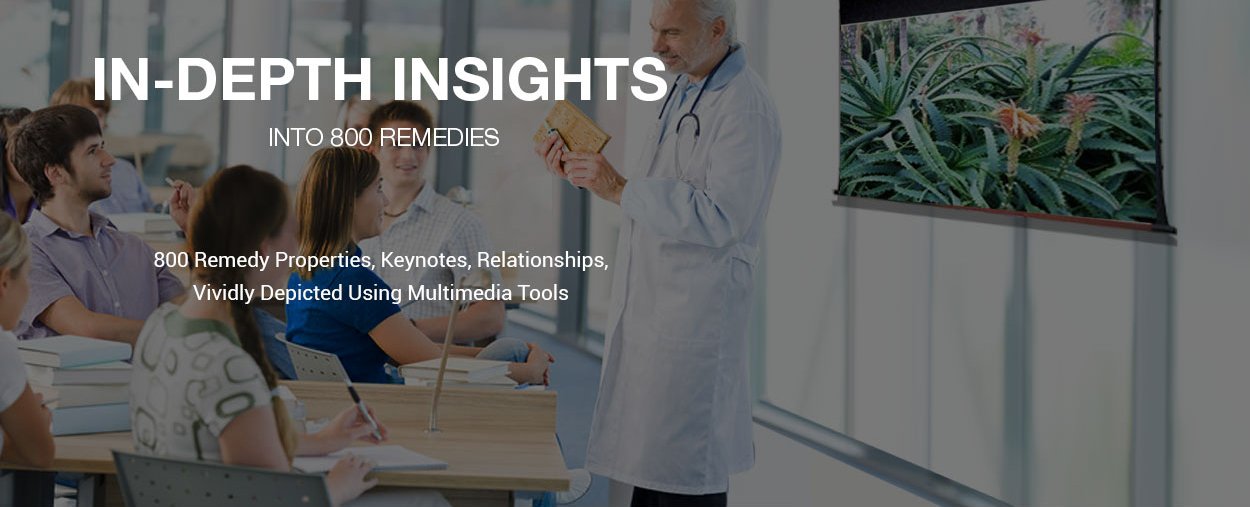
- CURE 10: 800 remedy properties, keynotes, relationships vividly depicted using multimedia tools
- Miasms: Detailed description of all 4 miasms with examples & cases
- Materia Medica Elite: Multimedia presentation of 31 important remedies
CURE SERIES: Unmatched Knowledge Base & Unparalleled Benefits
One Series, Many Assets
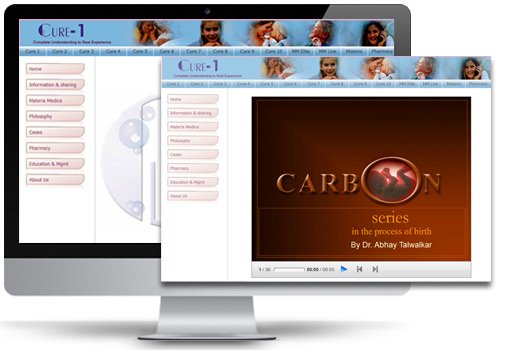
Excellent and diversified information about homeopathy from stalwarts to contemporary practitioners covered in 14 set of DVDs in one software. Why use several resources when you could be using just one?
Faster and Simpler
Don’t waste time with stacks of books or papers. Select one or many DVDs and complete your study, lecture preparation or research material with ease. Declutter space and mind to replace it with Cure series.
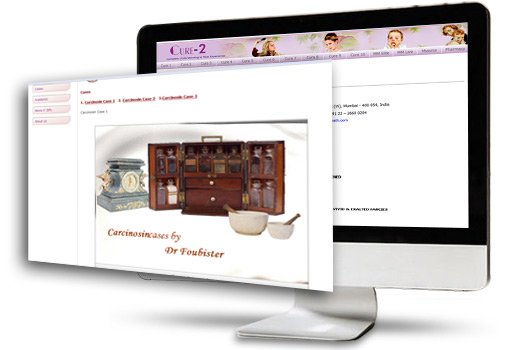
Faster and Simpler
Don’t waste time with stacks of books or papers. Select one or many DVDs and complete your study, lecture preparation or research material with ease. Declutter space and mind to replace it with Cure series.
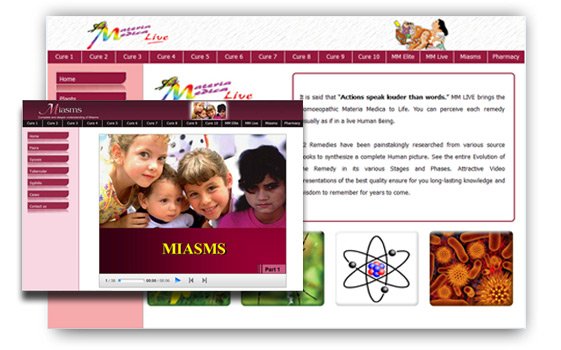
Simple and Fun
Cure series is designed to help you improve clinical outcomes with tools remedy descriptions with multimedia, confirmatory symptoms and nucleus of each remedy, miasms with powerful PowerPoint presentations.
Better Tools, Better Clinical Experience
The only all-in-one homeopathic software platform cut down your cost of learning to less than 1/20th or even less. There’s no end to information with Cure series and a dash of creativity!
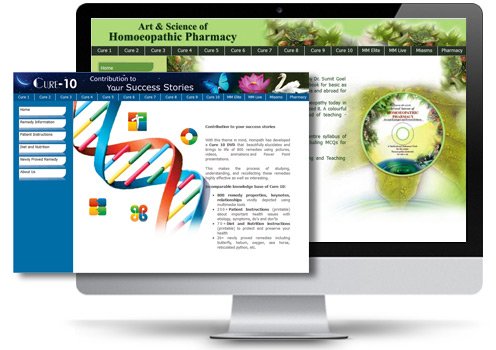
Better Tools, Better Clinical Experience
The only all-in-one homeopathic software platform cut down your cost of learning to less than 1/20th or even less. There’s no end to information with Cure series and a dash of creativity!
CURE SERIES: Collection of 14 set of DVDs in One Software
Cases Cured by Contemporary Homoeopathic Masters like: Dr. Anil Bhatia, Dr. Farokh Master, Dr. D.P. Rastogi, Dr. Kishore Mehta, Dr. Jawahar Shah, Dr. Parinaz Humranwala, Materia Medica, Philosophy, Pharmacy.
Contributions from Homoeopathic legends of the past as well as contemporary pioneers of the present, 50+ Cured cases, Materia Medica, Philosophy, Pharmacy.
111 Cured Cases of spectacular Dr. Kent, 250+ Materia Medica of Natrum group of Remedies, New proving of Panthera Tigris, Special feature on HIV and its homeopathic management.
Detailed study of all 13 Spider Group Remedies, Materia Medica, Repertory, Comparative Study, Group Study, Confirmatory Symptoms. Helps homeopaths prescribe most of these remedies with good efficacy in treating cases and producing more cures.
Study of Repertory & understanding of mental rubrics, Clinical and practical aspects of ROH like case taking, prescription etc. Power point presentations of various cases, videos explaining different rubrics.
In depth study of 19 Snake & 3 Scorpion remedies, common, rare as well as newly proved ones. Complete repertory of snake remedies with comparative study. Complete Materia Medica of all the Snake remedies.
Understanding homoeopathic remedies in light of Body Language. Numerous cases with follow-ups to help you understand the concept better. Study of Body Language in relation to Homoeopathy.
Children & Homoeopathy will assist you in understanding and treating your pediatric cases with more confidence. It brings to you hitherto unexplored yet one of the most important aspects of Homoeopathy namely, Homoeopathic prescription in pediatric cases.
Concept of Man - Psychological aspect & its practical application. History of Medicine & its evolution. 30 Pioneers of Homeopathy. 600+PowerPoint slides.
800 remedy properties, keynotes & relationships vividly depicted using multimedia tools. 200+ Patient Instructions. 70+ Diet and Nutrition instructions. 20+ newly proved remedies including butterfly, helium, oxygen, sea horse, reticulated python, etc.
40 Chapters of detailed knowledge of homoeopathic pharmacy lucidly described with PowerPoint Presentations including MCQs for Quick Reference. An ideal tool for Easy, Quick Learning, Revising and Teaching Pharmacy.
Detailed description of all 4 miasms with examples & cases of each: Psora, Sycosis, Tubercular, Syphilis. 1500+ PowerPoint Slides and Images.
World's 1st multi-media presentation in Homoeopathy. First ever Multimedia based tool to learn Homoeopathic Materia Medica. It is a novel way of presenting a remedy where the drugs come alive in front of you.
A new exclusive and invaluable tool for Homoeopaths. Incorporates multimedia presentation of 31 important remedies. Provides Complete Materia Medica, Drug Pictures, Keynotes, Drug Properties and PowerPoint presentations.
Gain knowledge sitting in the comfort and convenience of your home or clinic.Save your precious time, which you can spend in your clinic or other fruitful activity.Cut down your cost of learning to less than 1/20th or even less
View the Materia Medica presentation of Cannabis Sativa
"What Users Say About Our Homeopathic Software"
"Hompath software is great because it is really easy to use. I can actually repertorise, in ten minutes, putting symptoms together and looking up the materia medica. I recommend this to every homeopath."
"The program is excellent. You can repertorize your client with a range of information in order to respect the individuality of each and suggest the homeopathic remedy more agree. It can also improve knowledge with several philosophers and their definitions according to their thoughts."
System Requirements
Your computer/laptop should have following basic system configurations to run Cure Series.
|
System configurations for Mac Computers
|
|
System configurations for Windows Computers
|